vibevite
Guest
Guest
Guest
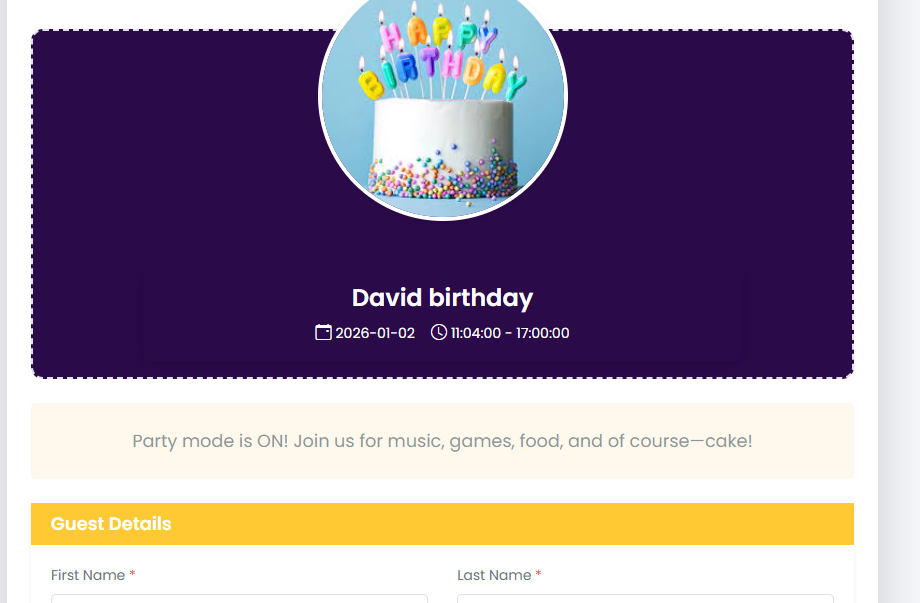
1. Receiving Invite
A guest can receive an event invite through:
-
Email Invite
-
Sent directly to the guest’s email
-
Contains a personalized invite link
-
-
Share Link
-
Shared via WhatsApp, Telegram, email, or other platforms
-
Uses a common invite link
-
2. Submitting Video
When the guest opens the invite link, event details are displayed.
-
If accessed via Email Invite
-
Guest details (name and email) are pre-filled
-
Guest uploads the video message
-
Clicks Send
-
-
If accessed via Share Link
-
Guest must enter:
-
Name
-
Email
-
Other required details
-
-
Guest uploads the video message
-
Clicks Send
-
3. Video Submission
-
Video is successfully submitted
-
Submission becomes immediately visible to the event host on the Event Page